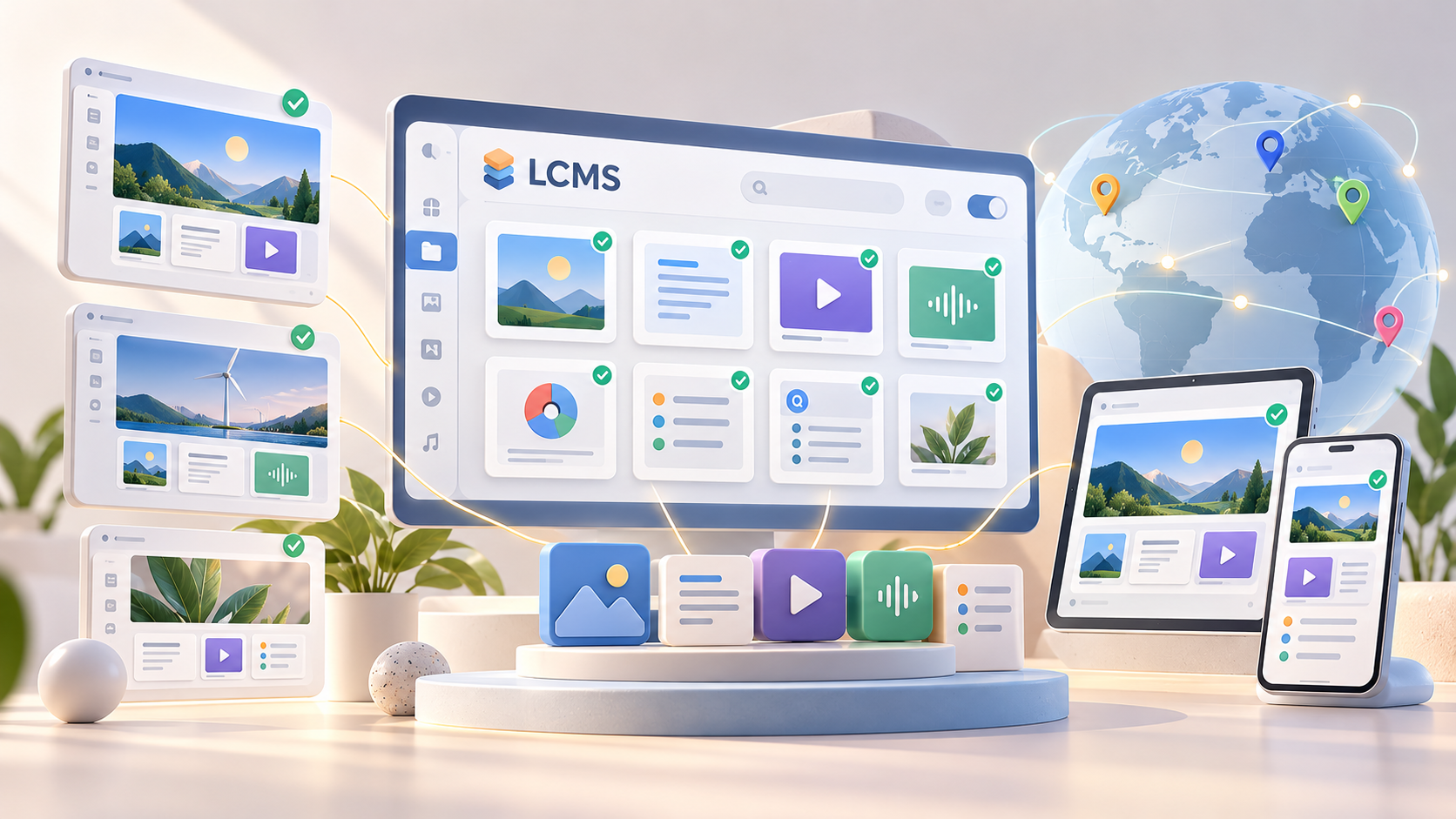
A learning content management system (LCMS) is software for creating, managing, reusing and publishing learning content from a centralized environment. It gives content teams a structured way to maintain courses, modules, assessments, media and reusable learning objects without rebuilding the same material for every program or audience.
The term is often confused with both a learning management system (LMS) and a traditional content management system (CMS). The difference is mainly about what each system manages.
An LMS manages learners, enrollments, assignments, completions and training records. A CMS manages general digital content such as website pages and media. An LCMS focuses on the lifecycle of the learning content itself, from content creation and review to versioning, localization, reuse and publishing.
That distinction becomes important when training operations grow beyond a few isolated online courses. If several authors maintain hundreds of learning materials, the same content appears across multiple courses or regulatory updates must reach every affected module, basic course management tools can quickly become difficult to scale.
An LCMS provides the content layer that solves that problem.
LCMS vs Learning Management System vs Content Management System
An LCMS, LMS and CMS can all store digital content, but they solve different operational problems.
| System | Primary users | Core job | What it manages | Typical reporting |
| Learning content management system (LCMS) | Instructional designers, content authors, reviewers, L&D teams | Create, govern, reuse and publish learning content | Learning objects, lessons, media, assessments, translations, versions | Content status, versions, usage, publishing and authoring workflows |
| Learning management system (LMS) | Learners, training administrators, HR and L&D teams | Deliver training and manage learners | Courses, enrollments, learning paths, assignments and learner records | Completion, scores, learner progress, compliance and participation |
| Content management system (CMS) | Marketing, editorial and web teams | Manage general digital publishing | Pages, posts, images, files and web content | Publishing, traffic or content activity depending on the platform |
The easiest way to think about the difference is to look at the object being managed.
An LMS asks: Who needs to complete this training, and did they complete it?
An LCMS asks: How do we create, update and reuse the training content efficiently?
A CMS asks: How do we manage and publish general digital content?
For example, a compliance team may use an LCMS to maintain one approved safety procedure and reuse sections of it across ten courses. The LMS then assigns those courses to the correct employees, tracks completion and reports whether required training was completed.
The systems therefore do not have to compete with one another. In larger learning ecosystems, an LCMS often sits upstream from one or more LMS platforms.
If you need a deeper explanation of LMS architecture, delivery and learner management, see our [LMS software development guide](/blog/learning-management-system-software-development-complete-guide-for-2026). The purpose of an LCMS is different: it controls the content supply chain rather than the learner administration layer.
A learning experience platform (LXP) adds another category. LXPs generally emphasize discovery, recommendations, knowledge sharing and a more learner-driven learning experience. They can complement structured courses delivered through an LMS, while an LCMS remains focused on producing and maintaining the underlying training content.
Core Features of a Learning Content Management System
The value of an LCMS comes less from having another content repository and more from how it structures the entire content lifecycle.
Real platforms illustrate this model. dominKnow | ONE, for example, positions its product as an enterprise LCMS combining authoring, centralized content libraries, structured reuse, version management, localization and governed publishing. dominKnow | ONE LCMS dominKnow Another current example is the Gutenberg Technology LCMS platform.
Centralized learning content management
A central repository gives authors one controlled source for learning materials instead of distributing PowerPoint files, documents, videos and course packages across shared drives and individual authoring tools.
That repository should support metadata, search, ownership, permissions and relationships between content components. The objective is not simply storage. Authors need to understand where an object is used and what may be affected when they change it.
This becomes particularly useful for large training programs where the same policy, product description or process appears in many educational courses.
Content creation and authoring tools
Modern LCMS platforms usually combine content management with authoring tools so teams can create content without continuously exporting files between disconnected systems.
Different user roles need different authoring experiences. An instructional designer may require advanced layouts, interactions and assessments. A subject-matter expert may only need to review text or approve a change. A localization team needs access to translatable content without changing course logic.
An effective authoring workflow separates these responsibilities while keeping the source material connected.
That also makes course creation easier to govern. Instead of treating every course as an independent file, teams can assemble structured courses from approved components.
Reusable learning objects and single-source publishing
Reusable content is one of the most important distinctions between an LCMS and a collection of standalone course authoring tools.
Imagine that a cybersecurity policy appears in employee onboarding, annual compliance training and manager training. If each course contains a separate copy, one policy change creates three editing tasks and three opportunities for inconsistency.
With an LCMS, the shared section can exist as a reusable learning object. Authors update the source, review the change and propagate the approved version wherever that object is used.
Platforms such as dominKnow explicitly support this type of single-source design and reuse across courses and formats.
The same principle applies to branding elements, definitions, standard operating procedures, assessments and frequently reused educational content.
Version control, review and governance
Learning content often has more governance requirements than ordinary marketing content.
An LCMS should therefore show who changed an item, which version is approved, what is currently published and which courses depend on the content.
Role-based permissions can separate authors, reviewers, administrators and publishers. Approval workflows are particularly important for compliance training, regulated industries and organizations where outdated instructions create operational risk.
Instead of asking teams to determine which attachment is the current version, content status becomes part of the platform.
Localization and multiple languages
Localization becomes expensive to manage when every translated course is a completely separate project.
A more scalable model connects translated content to the original source. When an author changes a shared learning object, the system can identify which language versions require review rather than forcing teams to compare entire courses manually.
This matters for global corporate training, customer education and educational institutions delivering content in multiple languages.
Responsive and multi-channel delivery
Learning content may need to appear inside a desktop LMS, mobile interface, knowledge portal or another business application.
An LCMS should separate the source content from at least some presentation logic so teams can reuse the same material across delivery contexts.
That does not mean every format will be identical. A full course and a mobile job aid may require different presentation. The goal is to avoid duplicating the underlying knowledge unnecessarily.
SCORM, xAPI and cmi5 support
Interoperability becomes critical when an LCMS publishes learning content to external learning management systems.
SCORM provides a standardized model for packaging learning content and communicating with an LMS. ADL documentation describes SCORM as supporting interoperability and reusable content across conformant systems.
xAPI addresses a broader learning data model. The specification defines how learning experiences can be represented and exchanged, while an LRS, or Learning Record Store, stores and exposes the resulting experience data. The current standardized xAPI work is represented by the IEEE learning technology standard. IEEE Standards Association
cmi5 uses xAPI for the more specific case in which an LMS launches and manages learning content. It adds rules around launch, authentication, sessions, reporting and course structure.
These standards are related but not interchangeable. When evaluating an LCMS, you should define which LMS systems and reporting architecture the content must work with before treating a generic “standards support” checkbox as sufficient.
How an LCMS Fits Into an Existing Learning Stack
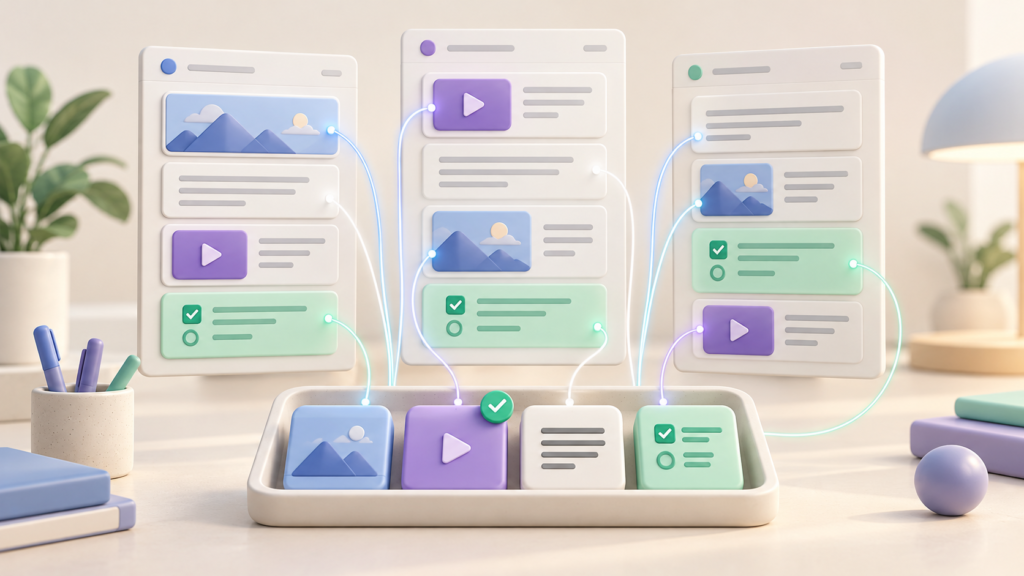
An LCMS usually works best as part of a broader learning technology ecosystem rather than as an isolated platform.
The LCMS owns content creation and content governance. The LMS handles assignments, learners and structured delivery. HR systems may define employee roles, departments or training requirements. Identity systems provide SSO. Analytics tools can combine learning data with wider business metrics.
In a typical setup, the flow looks like this:
Authors and subject-matter experts → LCMS → publishing layer → LMS/LXP/portal → learner → learning and performance data
Alongside that flow, the LCMS may connect with SSO, HRIS, translation services, media libraries and other third party tools.
This is also where API design becomes important. If a learning platform needs to publish a new content version automatically, synchronize metadata or distribute content across several channels, manual upload workflows create unnecessary work.
A useful architecture separates four responsibilities: creating content, governing it, delivering it and measuring its use.
For example, an organization may keep employee data and reporting lines in its HRIS. The LMS uses that information for user management and assignments. The LCMS publishes approved training packages to the LMS. Learning activity is then reported through the LMS or an xAPI-based analytics architecture.
This separation helps avoid turning one system into an oversized platform that performs every task poorly.
Graphic brief for the designer: show the LCMS in the center as “Create, Manage, Reuse, Govern.” On the left, connect authors, SMEs, translation and existing content. On the right, connect LMS, LXP, mobile, portal and other delivery channels. Below it, show HRIS/SSO and analytics as integrations across the ecosystem.
When an Organization Actually Needs an LCMS
Not every company with online training needs a learning content management system.
If you manage ten stable courses created by one person and update them once a year, adding another platform may create more administration than value.
The case becomes stronger as content operations become more complex.
Several authors are one trigger. Once multiple teams create related learning materials, maintaining terminology, branding and approved information becomes harder without centralized governance.
Frequent updates are another. In regulated or operational environments, a policy change may affect many training modules at once. Reusable content and dependency tracking make those changes easier to control.
Localization creates similar pressure. Maintaining a few translations manually may be manageable. Maintaining dozens of language and regional variants as independent courses is not.
Content reuse across audiences is another strong signal. Product education, employee training, partner enablement and customer onboarding may all require some of the same information but packaged differently. An LCMS can allow the shared knowledge to remain centralized while each audience receives a different learning experience.
Consider a medical device company that maintains product instructions across employee onboarding, sales training, partner certification and customer education.
Without an LCMS, each program may contain its own version of a product description and procedure. A product update then requires authors to locate every copy.
With structured content, the organization can maintain approved source objects and reuse them across different training programs while preserving audience-specific modules.
Compliance evidence can also influence the decision. If your organization must show which content version was approved and when it was published, version history and workflow records become operational requirements rather than convenience features.
Large organizations evaluating a wider training architecture should also consider how the LCMS fits with existing enterprise learning systems. Our guide to enterprise LMS solutions covers those broader scenarios.
Buy, Configure or Build a Learning Content Management System
Once you know that you need LCMS capabilities, the next question is whether to buy an existing product, configure a platform around your workflows or build a custom solution.
There is no universally correct option.
| Approach | Best fit | Typical implementation horizon | Main cost drivers |
| Buy | Standard authoring and governance requirements | Days to weeks for a pilot, then weeks to months for broader adoption | Licensing, users, storage, support and migration |
| Configure/integrate | Existing product fits the content model but needs integrations or workflow changes | Several weeks to several months | Integration complexity, SSO, migration, templates, APIs and governance |
| Build | Content operations or product requirements cannot be represented well by existing platforms | Usually measured in months and delivered in phases | Product scope, authoring UX, content model, standards support, integrations, migration, analytics and security |
These are planning ranges, not vendor SLAs. The amount and quality of existing content can change implementation effort significantly.
Buying is usually the first option to evaluate when your requirements match established LCMS workflows.
Products such as dominKnow | ONE and Gutenberg Technology already provide LCMS capabilities, so developing basic authoring, versioning and repository functionality from scratch makes little sense if a commercial platform fits your process.
Configuration becomes attractive when most requirements are standard but the LCMS needs to become part of a larger ecosystem.
For example, you may need custom synchronization with an HR platform, a branded publishing portal, a specialized approval workflow or integration with internal communication tools and collaboration tools.
Custom development makes more sense when the content workflow itself is part of your product differentiation or when existing platforms force important processes into an unsuitable model.
You may also need custom software when one platform must serve several customer organizations with different permissions, brands, content models and integrations.
The business case should consider more than license cost.
With SaaS, you are paying for standardized functionality, vendor maintenance and faster deployment. With a custom system, you are paying for product discovery, software development and continued ownership, but gaining more control over architecture, integrations and future features.
Before deciding, document the content lifecycle from creation to retirement. Identify how many systems participate, which steps create manual work and which requirements are genuinely unique.
Then test shortlisted products against those workflows rather than comparing feature lists alone.
For a deeper discussion of development decisions, cost factors and technology choices, see our custom LMS development guide
What a Custom LCMS Build Involves
A custom LCMS project starts with the content model, not the user interface.
Before building authoring screens, you need to determine what the system considers a course, module, lesson, learning object, assessment, asset, translation and version. Those relationships affect almost every later decision.
A practical implementation normally covers five areas:
– Discovery and content architecture. Map existing workflows, user roles, content types, approval rules, integrations and publishing targets. Define which content should be reusable and how dependencies are represented.
– Authoring and review UX. Design separate experiences for authors, subject-matter experts, reviewers and administrators. The system should make common content creation tasks easy without removing the controls required for advanced users.
– Publishing and interoperability. Decide which LMS platforms and delivery channels must receive content and whether SCORM, xAPI, cmi5, APIs or proprietary delivery methods are required.
– Migration and quality assurance. Audit legacy training content before importing it. Duplicated and obsolete materials should not automatically become duplicated and obsolete LCMS records. Test migrated content, metadata, permissions and published output before broader rollout.
– Operations, analytics and governance. Add version history, audit information, user management, performance tracking and content lifecycle rules. If AI-assisted authoring or personalization is introduced, define what AI may generate, what requires human approval and how source material is controlled.
A phased rollout is usually easier to validate than migrating the entire learning environment at once.
One department, content domain or training program can become the first production use case. That gives the team a chance to validate authoring, governance, integrations and migration rules before expanding the platform.
AI can also become part of a modern LCMS without becoming the architecture itself.
Useful applications include drafting assessments from approved source content, suggesting metadata, supporting translation workflows, identifying duplicate material or helping authors adapt learning materials for different audiences.
The more important question is where the approved source of truth remains. AI-generated output should still pass through the same content governance, permissions and review processes as manually created material.
If your content workflows require capabilities that existing platforms cannot support cleanly, custom EdTech software development services can be used to extend an existing learning stack or build the required content layer around your business processes.
Leave a Reply